
Unlock texas court records search free: Quick Guide to Texas Public Records
Learn how to perform texas court records search free online with step-by-step guidance to access county and statewide records.
Yes, you can absolutely look up Texas court records for free. The trick isn't if you can do it, but where you need to look. Because Texas has a decentralized court system, most of the detailed information lives on individual county websites, not in one giant state database.
Your search will almost always start at the county clerk or district clerk's office website for the county where the lawsuit was filed.
Where to Start Your Free Texas Court Records Search
Before you even open a search bar, you need a basic game plan. Forget the idea of a single, Google-like search for all Texas court documents. It just doesn't exist. Instead, records are managed county by county, with some higher-level, less-detailed information available on statewide portals.
This means the most critical piece of information you can have is the county where the case was filed.
The sheer size of Texas’s judicial system is why it works this way. There are over 450 district courts spread across more than 200 counties, handling hundreds of thousands of new cases every year. Giving each county control over its own records is the only way to manage that volume. For a deep dive into the numbers, the Texas Judicial Branch publishes annual statistical reports that really put the scale into perspective.
County vs. Statewide Systems: Which One to Use?
Think of it this way: county websites are your microscope, and statewide portals are your telescope.
If you need to see the nitty-gritty details of a case—like specific motions, judge's orders, or a list of filed documents—you need the microscope. Head directly to the county clerk's website.
If you're not sure which county a case is in, or if you're looking for appellate court records (cases that have been appealed), the telescope is your tool. The statewide systems are perfect for getting a bird's-eye view and tracking a case's journey up the legal ladder.
This flowchart lays out the most efficient way to approach your search.
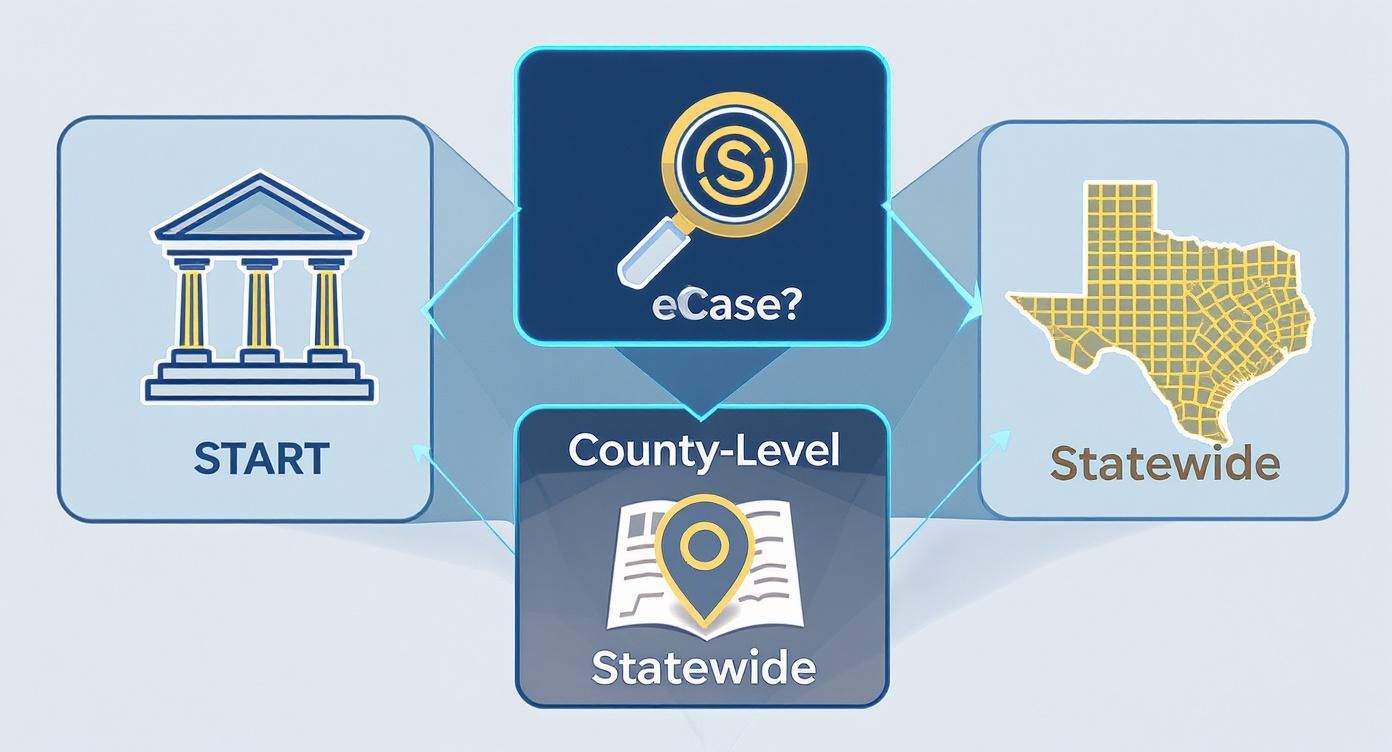
As the graphic shows, your best starting point depends on what you know. For highly specific research, especially when you need to understand trends in motor vehicle accident cases, platforms that aggregate and analyze this public data can be incredibly helpful. For instance, the AI-powered tools at https://www.verdictly.co take these public records and organize them into a powerful, searchable database for case outcome analysis.
Pro Tip: If you know the county, always start there. You'll get the most detailed information, and you'll get it faster. Only use the statewide portals if you're searching blind or tracking an appeal. Following this one rule will save you a ton of time.
Digging Deeper: Finding Records Directly on County Websites
While the statewide portals are a great starting point, the real goldmine for detailed court information is at the county level. If you want to conduct a Texas court records search free of charge and get the most comprehensive results, you need to go straight to the source: the websites of the County Clerk or District Clerk where the case was filed. These local sites are where you’ll uncover the nitty-gritty details, from case dockets to filed motions and, in many cases, actual document images.
Just keep in mind, Texas has 254 counties, and each one runs its own show. This means the online experience can be a bit of a mixed bag. Big metro areas like Harris (Houston), Dallas, and Travis (Austin) usually have modern, slick search portals. But head out to a smaller, more rural county, and you might find a system that requires a bit more patience and old-school persistence.
How to Tackle the Major County Portals
Let's take a look at Harris County, the state's biggest, as an example of what a top-notch system looks like. The Harris County District Clerk's website is a fantastic model because it gives you access to a wealth of public information on civil, criminal, and family cases completely free after a simple login. No hidden fees for just viewing the records.
Here's a glimpse of their public search interface.
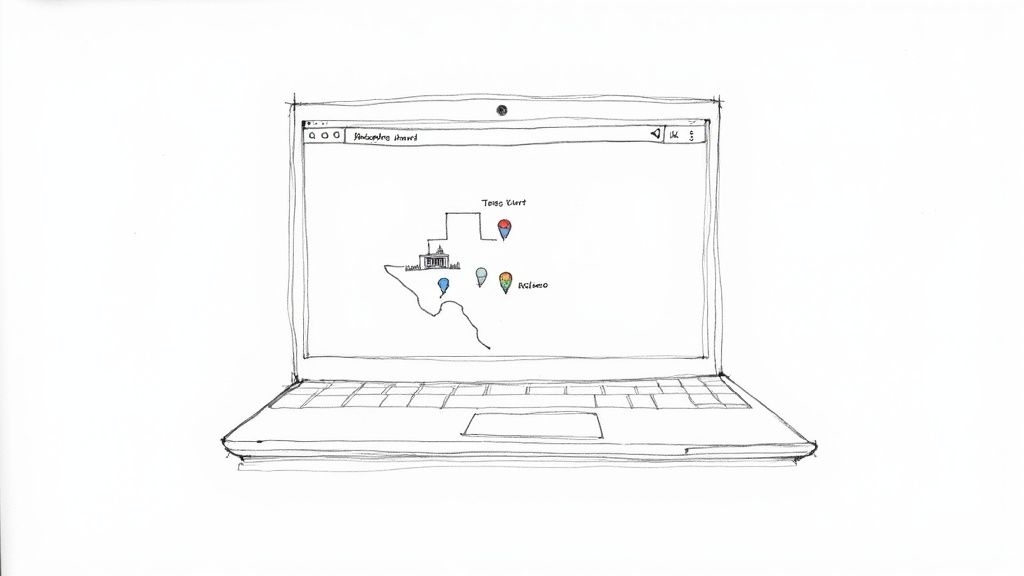
As you can see, you have multiple ways to search—by case number, party name, or even attorney information. This kind of flexibility is exactly what you need to zero in on a specific file.
When you're using these portals, a little precision goes a long way.
- Searching by Name: Always start with the full name if you have it. If you’re getting swamped with results for a common name like "John Smith," try adding a middle initial. It's a simple trick that can slash your search time.
- Searching by Case Number: This is your golden ticket. If you know the case number, you’ll get straight to the file you need. No guesswork.
- Searching by Date Range: This is a lifesaver when you're dealing with common names. Instead of sifting through decades of records, you can narrow your search to a specific year or two, filtering out tons of irrelevant cases.
Tips for Navigating Less-Developed County Websites
So, what happens when you land on an older, clunkier county website? Don't throw in the towel. Even if the technology feels a bit dated, many smaller counties still offer valuable information online. You just might have to adjust your expectations and your strategy.
For instance, instead of full, downloadable documents, you might only find a basic docket sheet. This is still incredibly useful—it's a chronological log of everything that has happened in a case.
An Expert's Pro Tip: If your online search in a smaller county comes up empty, don't just assume the records aren't there. Your next move should be a quick phone call to the clerk's office. The staff are the true experts on their own systems and can tell you what's available online versus what you’d need to see in person. A five-minute call can save you hours of frustrated clicking.
And one final thing to remember: while viewing records online is usually free, getting official or certified copies will almost always cost you. These fees are typically charged per page, so look for a "fee schedule" on the clerk’s website to avoid any surprises.
Using Statewide and Appellate Court Databases
Sometimes you don't know the exact county where a case was filed, or maybe you're tracking a case that’s moving up the legal ladder. This is when statewide databases become your best friend. They cast a much wider net, letting you search across multiple jurisdictions at once. Think of them less as a deep dive and more as a powerful directory pointing you to the right courthouse.
Your go-to starting point is the Texas Office of Court Administration's (OCA) Judicial Search portal. This system pulls basic case information from many—though not all—Texas counties. It's crucial to manage your expectations here. You’ll usually find case summaries, names of the parties involved, and a timeline of key dates, but you probably won't find the full, scanned documents that a specific county website might offer.
If a case has been appealed, you'll need to switch gears and use the Texas Appellate Management and eFiling System (TAMES). This is the official hub for anything happening at the Texas Supreme Court, the Court of Criminal Appeals, and the 14 Courts of Appeals. It's where you'll find dockets, court orders, and the official opinions filed in these higher-stakes cases.
Navigating Appellate Records
Once you get to the appellate level, the language changes a bit. You’re not looking at the start of a fight, but at how the first round was judged. You're trying to see if a higher court agreed or disagreed with what the trial court decided.
You’ll run into two critical terms constantly:
- Affirmance: This is the appellate court's way of saying, "We agree with the lower court." The original decision holds.
- Reversal: This is the opposite. The appellate court found a significant error and has overturned or changed the original ruling.
This distinction is everything when it comes to understanding a case's final outcome. And in Texas, the appellate courts aren't just rubber-stamping decisions. The Texas Supreme Court, for instance, actively scrutinizes lower court rulings. In a recent term, its affirmance rate was only about 27.7%. That means it reversed or modified the lower court's decision in the vast majority of cases it heard. You can dig into more of this data on Texas Supreme Court trends and statistics.
Real-World Tip: When you're using these statewide portals, be aggressive with the filters. Don't just throw a name into the search bar. If you have even a rough idea, filter by a date range, a court level (like "District Courts"), or a case type. This simple habit can cut through thousands of irrelevant results and get you to what you need in seconds.
While these state-level databases give you a fantastic bird's-eye view, they aren't built for deep, specialized analysis. For example, if you wanted to understand trends in Texas motor vehicle accident case outcomes, you'd need to look at aggregated data that these general portals simply don't provide. That kind of insight shows you how specific injuries and accident types are actually valued from one county to the next.
What You Can and Cannot Access for Free
A common myth I see is that a Texas court records search free of charge opens the door to every single document. It's an easy assumption to make, but the reality is more nuanced. While Texas law is big on transparency, it also draws a hard line to protect sensitive and personal information.
Knowing where that line is will save you a ton of frustration. The good news is that most standard civil and criminal case filings are indeed public. Think initial petitions, motions, and final judgments—they're usually fair game. But it’s not an all-access pass.
What’s Usually Kept Under Wraps
Some case types are automatically sealed or heavily redacted by law, and you won’t find them in a typical online search. It's just the way the system is designed to protect vulnerable people.
You'll almost always hit a wall trying to access:
- Juvenile Records: These are kept confidential to give minors a chance at a fresh start.
- Adoption Proceedings: To protect the privacy of everyone involved, these records are completely sealed.
- Mental Health Cases: Anything related to involuntary commitments or mental health evaluations is strictly private.
- Sensitive Family Law Details: You might see that a divorce was filed, but the nitty-gritty financial affidavits or child custody reports are almost always restricted.
This isn't about hiding information; it's about striking a balance between the public's right to know and an individual's right to privacy.
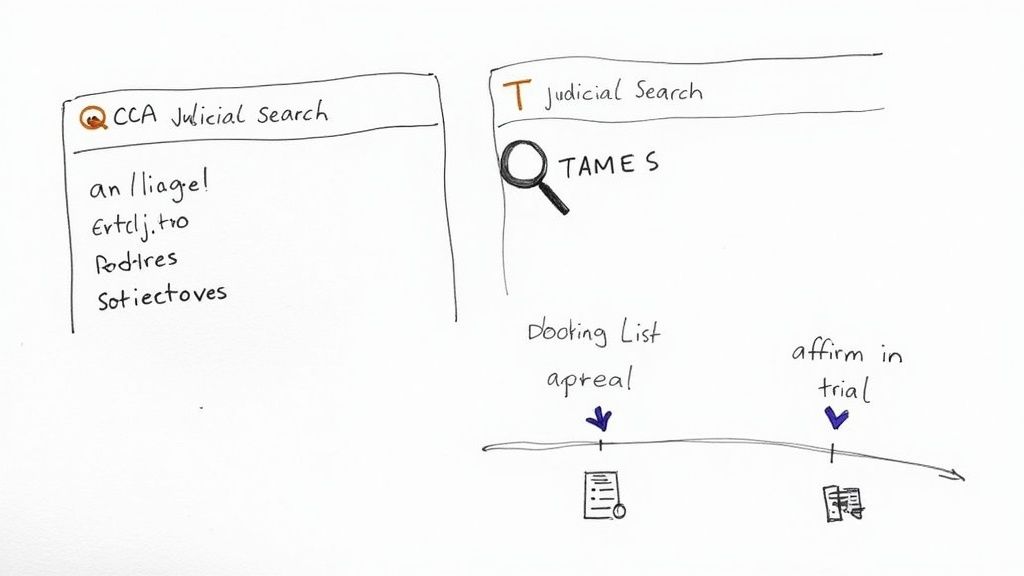
To make it clearer, here’s a breakdown of what you can generally expect to find versus what's typically off-limits.
Public vs Restricted Texas Court Records
The table below offers a straightforward comparison of which records are usually public and which are restricted.
| Record Type | Public Accessibility Level | Common Restrictions |
|---|---|---|
| Civil Lawsuits | High | Social Security numbers, bank accounts, and minor children's names are often redacted. |
| Criminal Cases (Adult) | High | Victim information, juror details, and certain investigative reports may be sealed. |
| Divorce Decrees | Moderate | The final decree is often public, but financial affidavits and custody evaluations are not. |
| Probate & Wills | High | Generally public, unless sealed by a judge for specific privacy concerns. |
| Juvenile Delinquency | Restricted | Almost always confidential and sealed to protect the minor. Not accessible to the public. |
| Adoption Records | Restricted | Completely sealed by law to protect the privacy of the child and all parties. |
| Mental Health Proceedings | Restricted | Sealed to protect personal health information and the individual's privacy. |
Keep in mind that a judge always has the discretion to seal records that would normally be public if they find a compelling reason to do so.
Viewing vs. Official Copies: The Cost Factor
Here’s another critical distinction that trips people up: the difference between just viewing a record and getting an official certified copy.
Most county portals let you view and download non-certified copies of documents for free. For general research or just satisfying your curiosity, these are perfect.
But if you need that document for any official reason—say, for another court case or a government process—you'll need a certified copy. This is the official version, stamped and verified by the court clerk as a true and accurate copy of what’s on file.
Key Takeaway: Looking is usually free; proving it's official costs money. Certified copies always come with a fee, typically charged per page.
You'll want to check the district or county clerk’s website for their fee schedule to avoid sticker shock. For example, a clerk might charge $1 per page plus a small fee for the seal itself. A 50-page document can suddenly get expensive.
In some rare situations, if you truly can't afford the fees, you can petition the court for a waiver by filing a "Statement of Inability to Afford Payment of Court Costs." You’ll have to detail your financial hardship, and a judge has to sign off on it.
Getting Creative: Advanced Search Tips and Alternative Tools
So, you ran a name search in a county portal and came up with… nothing. It’s a common frustration, but it’s definitely not a dead end. When your first attempt at finding Texas court records comes up empty, it’s time to think like a professional researcher and get a little more creative with your search strategy.
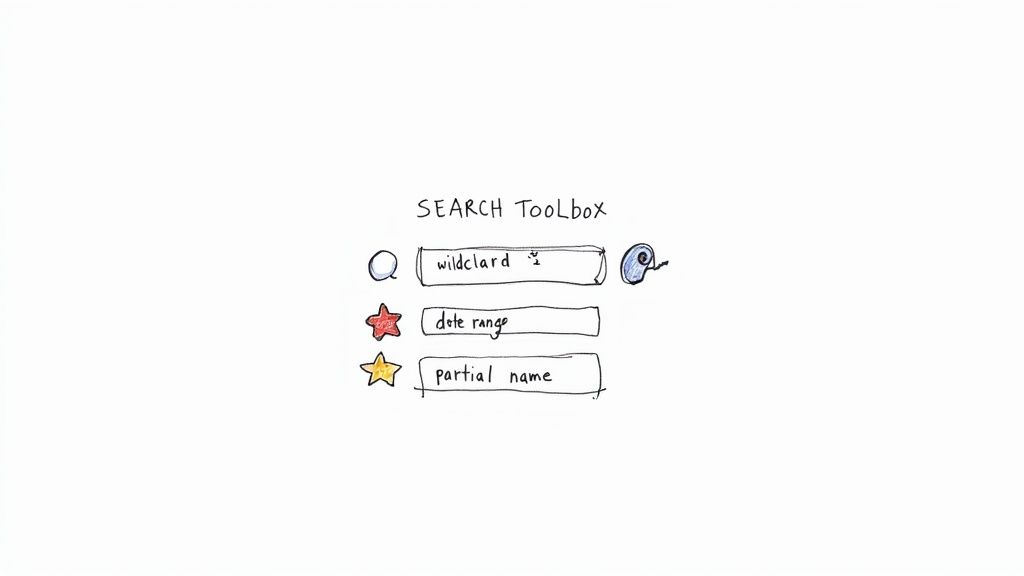
Don't just plug in a full name and hope for the best. Dig into the search features of the specific portal you're using. Many of them support advanced search operators that can make a world of difference. For instance, if the database allows for wildcard searches, use them. A search for "John Sm*" could bring up records for "John Smith," "John Smythe," and even "John Smiley," which is a lifesaver when you're dealing with potential misspellings or just partial information.
How to Narrow Down the Noise
Another trick I use all the time is filtering by date ranges. If you're looking for someone with a common name, searching all records is a recipe for disaster. Try narrowing your search to a specific five-year or even a one-year window. That simple step can eliminate thousands of irrelevant cases.
You can often combine that with other known details. If you know you're looking for a civil case, select that filter. If you know which court handled it, add that too. Layering these filters is the fastest way to pinpoint the exact record you need.
Pro Tip: Don’t get discouraged if the first search fails. I've had to try multiple combinations to find what I'm looking for. Search by just the last name. Then try the last name with only a first initial. The idea is to cast a wide but intelligent net.
Looking Beyond the Official County Websites
While the county and state portals are your go-to for a Texas court records search free of charge, they aren't the only game in town. There are quite a few third-party legal data platforms that pull public records from various sources and often package them in a much more user-friendly interface. These can be fantastic for initial research, especially since they can let you search across multiple counties at once without having to jump between different websites.
A quick word of caution, though. These alternative tools usually have a price tag, and their data isn't always as current as what you'll find directly from the county clerk. My rule of thumb is to always verify any critical information you find on a third-party site against the official records to confirm it's accurate. Think of these platforms as a great starting point or a supplementary tool, not the definitive source.
For legal pros doing highly specific research, these services can offer insights you simply can't get from official portals. Some platforms, for example, analyze case outcomes to highlight litigation trends. You can learn more about these kinds of analytical strategies by checking out resources on the Verdictly legal data blog, which often covers how aggregated data can bring clarity to case values and negotiation tactics.
Got Questions About Finding Texas Court Records?
Even with a solid plan, searching for court records can feel like hitting one wall after another. You might pull up confusing results or find nothing at all. It happens to everyone. Let's walk through some of the most common questions that pop up when people are trying to find Texas court records search free of charge, so you can get unstuck and back on track.
Are All Texas Court Records Actually Online?
Unfortunately, no. It’s a common misconception that every document is just a click away.
While most of the larger Texas counties have fantastic online portals, many smaller, more rural counties are still catching up with digitizing their records. On top of that, a lot of older cases—anything from before the late 90s or early 2000s—might only exist as paper files in a courthouse archive. Always check the specific county clerk’s website first to see what they offer online before you assume a record doesn't exist.
Why Can't I Find Federal Cases on State Portals?
This is a frequent point of confusion. The state and federal court systems are completely separate, so you won't find federal cases on Texas-run websites. Texas state and county portals only show you cases filed within the Texas judicial system.
For cases involving federal law, you’ll need to search the federal system’s official portal, PACER (Public Access to Court Electronic Records). Just be aware that unlike most state portals that let you view records for free, PACER usually charges a small fee for searching and downloading documents.
Key Distinction: State portals cover state-level issues—think most personal injury claims, family law disputes, and state criminal charges. Federal portals are for things like bankruptcy, federal tax evasion, or lawsuits against the U.S. government.
What's the Difference Between a Certified and a Non-Certified Copy?
This is a critical distinction. A non-certified copy is what you typically view or print for free from an online portal. It's perfect for informational purposes only—like doing research or just trying to understand a case.
A certified copy, on the other hand, is an official document. It’s been stamped and verified by the court clerk to confirm its authenticity. You’ll need one of these for any official business, like submitting evidence in another legal proceeding or for government applications. Getting one always costs money, usually a per-page fee plus a small charge for the clerk’s official seal.
Can I Look Up Wills and Probate Records Online?
In most cases, yes. Probate records, which include last wills and testaments filed with the court, are generally public information in Texas. You can often track them down by searching the probate court records on the relevant county clerk's website. As a side note, for those looking to create a simple will, the Texas Supreme Court has even approved official forms to help get you started.
While public portals are a great launchpad for basic research, they aren’t built for deep analysis. If you're dealing with a motor vehicle accident case, knowing what similar cases are worth is a game-changer. Verdictly offers a searchable database of real Texas verdicts and settlements, giving you the hard data you need to negotiate from a position of strength.